The mysterious triangle on your Samsung screen: what this icon means
Samsung Galaxy users often encounter a triangle icon in the status bar, which limits background app activity.
 💡Tech
Photo: UNIAN
Key points
- The triangle indicates Data Saver mode
- The mode restricts background app activity
- Settings can be adjusted in the network menu
Samsung Galaxy smartphone owners often notice an unusual symbol in the top notification bar: a triangle with two arrows inside. This indicator frequently causes concern, as it visually resembles a warning sign, but it does not indicate a device malfunction.
What this indicator means
The appearance of the triangle indicates that the "Data Saver" mode is active. In Samsung's One UI, this icon replaces the standard Android symbol, signaling that the system has restricted background mobile data access for apps. This usually happens accidentally, for example, due to a stray touch in a pocket or via the quick settings panel.
When this mode is on, apps cannot connect to the network on their own until the user opens them. This leads to delays in receiving notifications from social networks, messengers, and email services, and also pauses background data synchronization.
How to restore notifications
If you notice delays in receiving messages, you should check your network settings and turn off Data Saver. Once disabled, the triangle icon will disappear, and background processes will resume automatically. For those who want to save data while staying connected, there is an "Allowed to use data" feature. It allows you to add important messengers to an exception list so they function correctly even when the data saving mode is active.
Source UNIAN — unian.ua/techno/software/trikutnik-u-ryadku-stanu-samsung-shcho-ozn… ↗
Read next
 🚨Events
Russia Agrees to Multilateral Talks: Kushner Details Trump’s Strategy
Jared Kushner announced Moscow's consent to include European nations in peace negotiations and predicted a large-scale prisoner exchange in the coming weeks.
 🎭Culture & Sport
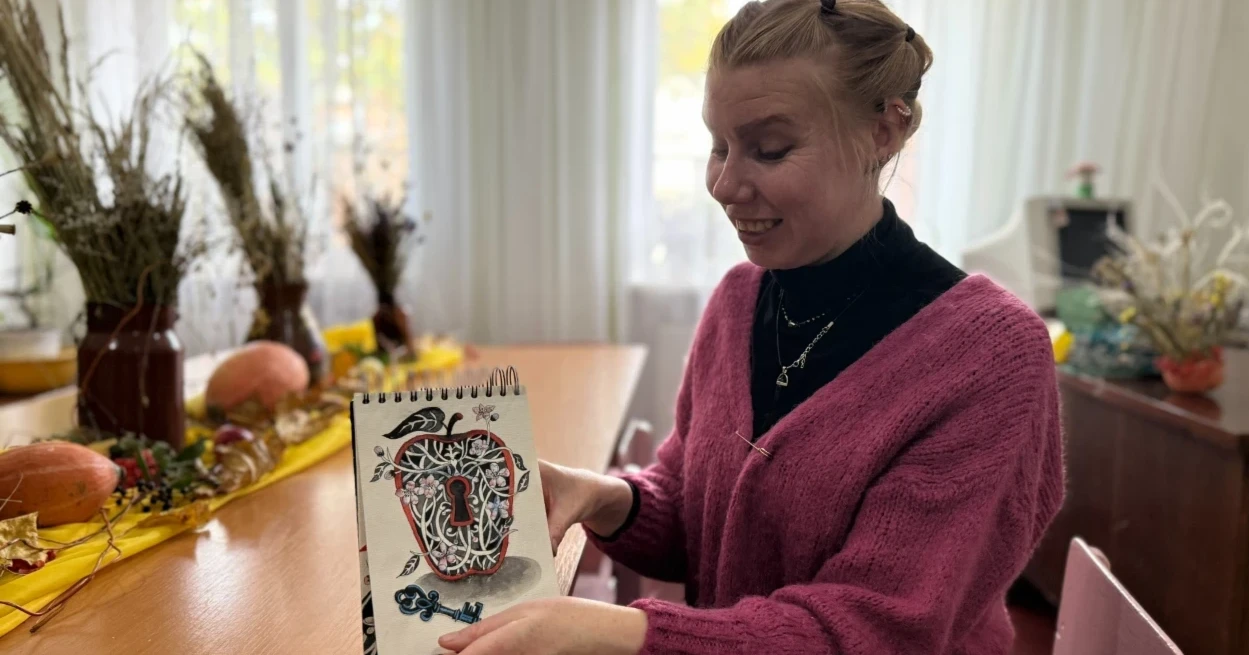
Pervomaisk artist receives professional recognition in international art challenge
Natalia Stupak, head of a Pervomaisk extracurricular club, received professional art supplies after successfully completing the global Inktober challenge.
 🛡️Security
Ukraine to Receive Legally Binding Security Guarantees: Key Agreements Reached
Leaders from Germany, France, the UK, and Ukraine have agreed on security guarantee mechanisms and financial support for the coming years.
 🛡️Security
Volodymyr Zelenskyy emphasizes importance of NATO membership for Ukraine's security
During the 'Coalition of the Willing' meeting in Berlin, the President of Ukraine identified NATO membership and EU integration as essential pillars of security architect…
 🚨Events
Ukraine to Receive Large-Scale Support from EU and NATO: Berlin Agreement Details
Western leaders have agreed on a package of financial and military aid for Ukraine for the coming years and discussed security guarantee mechanisms.
 🚨Events
Situation around Kerch Bridge: rush for supplies in Simferopol
Following a series of attacks on the Kerch Bridge, residents of Simferopol are rushing to stock up on fuel and food.