How to improve TV image quality: the hidden HDMI setting
Many Smart TV users are not utilizing their devices' full potential due to the disabled HDMI Deep Color feature. Learn how to adjust your TV settings for better color reproduction.
 💡Tech
Photo: UNIAN
Key points
- Activating HDMI Deep Color improves color depth
- The feature may be disabled by default
- Settings vary by TV brand
Modern televisions often support HDR technologies, yet users do not always receive the expected image quality. Often, the reason for dull colors or incorrect performance of gaming consoles is the deactivated HDMI Deep Color feature, which may be turned off by default in the device settings.
What is HDMI Deep Color and why is it needed
The HDMI Deep Color technology, which appeared back in 2006, allows for signal transmission with a color depth of 10 or 12 bits instead of the standard 8 bits. This significantly reduces artifacts during transitions between shades and makes the image in games or movies more realistic. Thanks to this feature, the color gamut expands from millions to billions of shades.
How to activate the feature on your device
Even if you are using a modern console, such as the PlayStation 5, port settings may require manual intervention. To check the status of the feature, you need to enter the TV settings menu and find the input signal settings section. Depending on the brand, the parameter name may vary:
- LG: HDMI Deep Color or Ultra HD Deep Color;
- Samsung: HDMI UHD Color or "Input Signal Plus";
- Sony and others: "Enhanced format".
It is recommended to check this parameter for every HDMI port you actively use. This will help avoid issues with dull images and ensure stable performance of the connected equipment.
Source UNIAN — unian.ua/techno/gadgets/shcho-take-hdmi-deep-color-i-chomu-cyu-funk… ↗
Read next
 🎭Culture & Sport
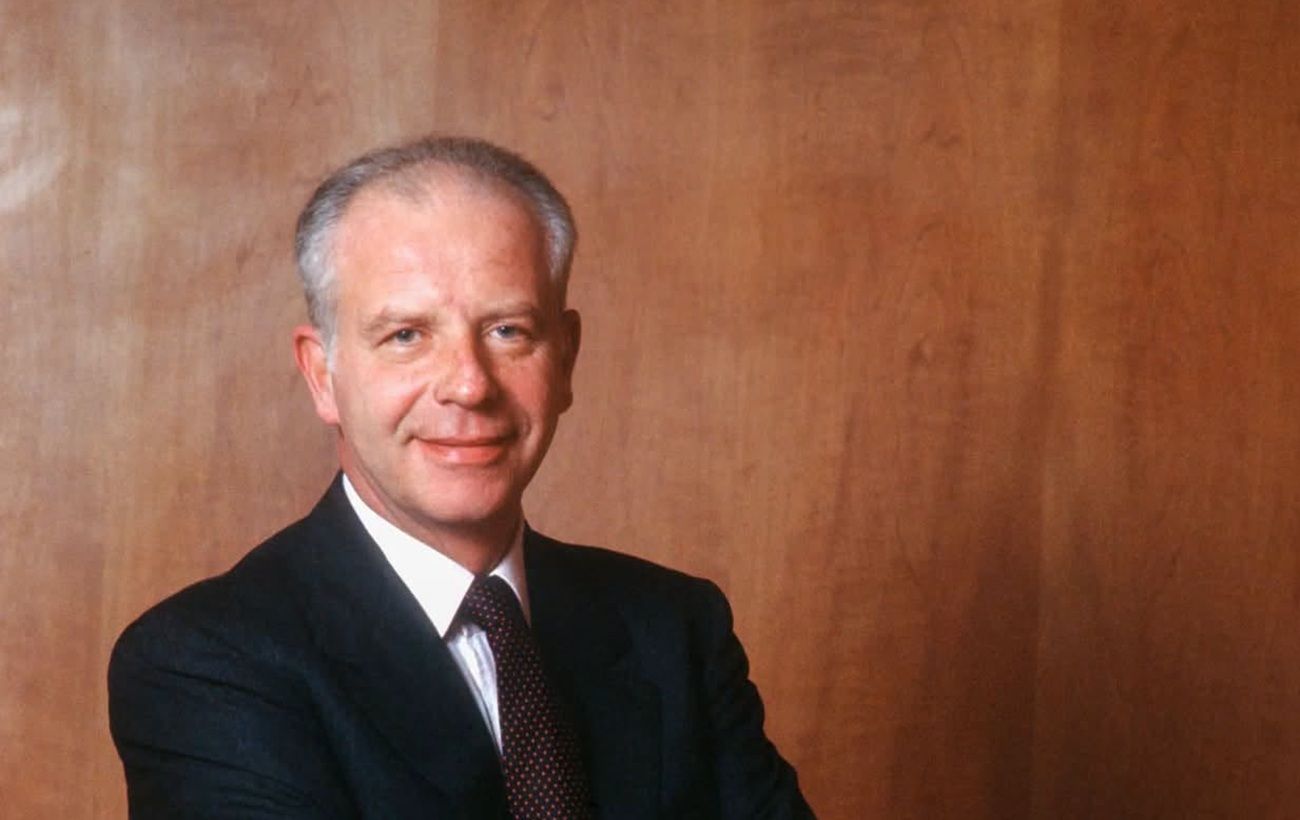
Paolo Bulgari Passes Away: The Legacy of a Legendary Jeweler
At the age of 89, Paolo Bulgari, the former president of the Bvlgari jewelry house, who transformed a family business into a global symbol of luxury, has died.
 🏙️City
Microplastics in water: new scientific study reveals hidden dangers
Scientists have discovered that microplastics in water can trigger chemical reactions that potentially damage living cells.
 🏙️City
Moldovan airspace violation: drone detected near Pervomaisc village
On Saturday, November 21, a jet-powered UAV crossed the Moldovan border twice while flying through border areas.
 🎓Education
The Continuity of Struggle: How History Shapes the Modern Ukrainian Military
The story of three generations of the Symchych family and the role of the Yevhen Konovalets Military School in the ideological training of defenders.
 💼Economy
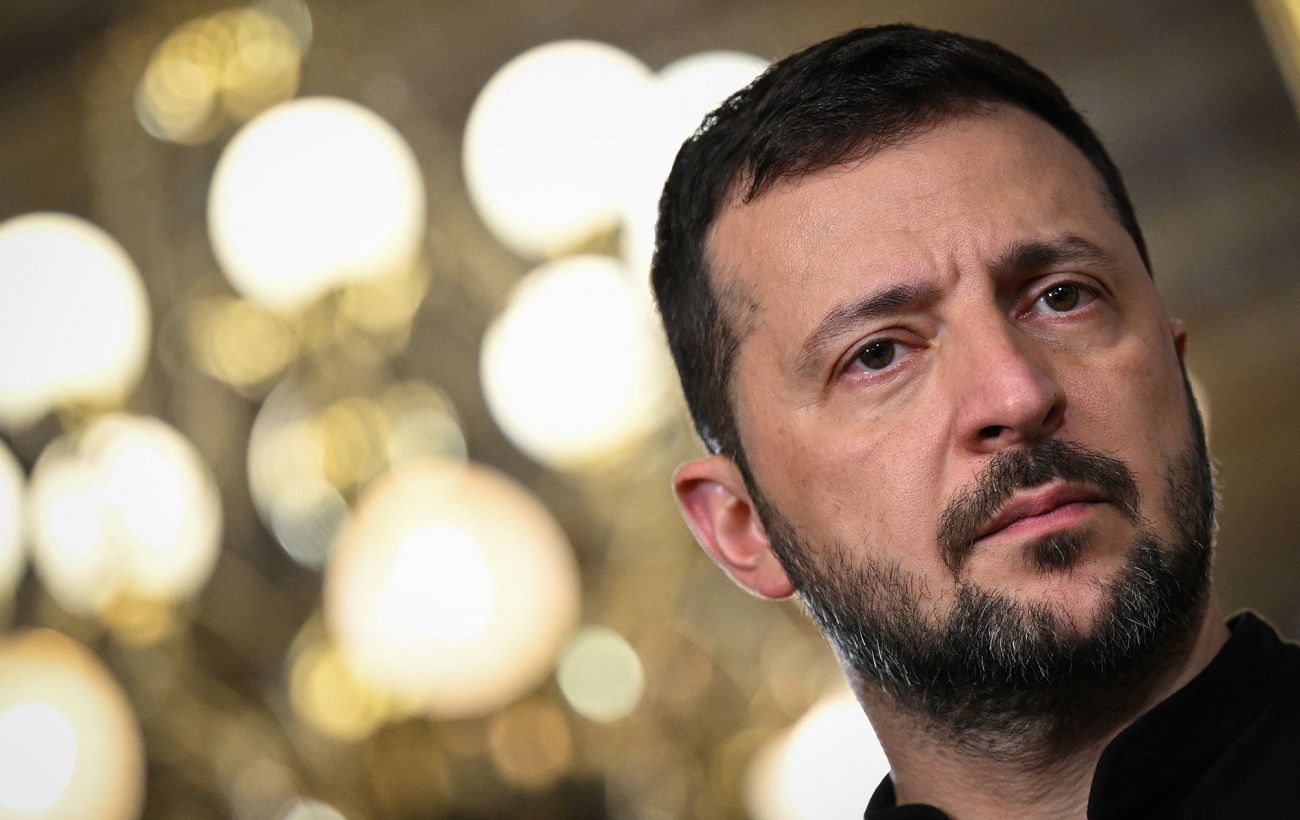
Zelenskyy on security guarantees: Ukraine aims for full NATO membership
President Volodymyr Zelenskyy stated that alternative security models cannot replace full accession to the Alliance.
 🏙️City
Mykolaiv climber conquers the highest volcano in North America
Mykolaiv native Kateryna Bochkova reached the summit of the Orizaba volcano in Mexico, displaying the flag of her hometown.