Technical Tips for PS5 Owners: How to Optimize the Anticipated GTA 6
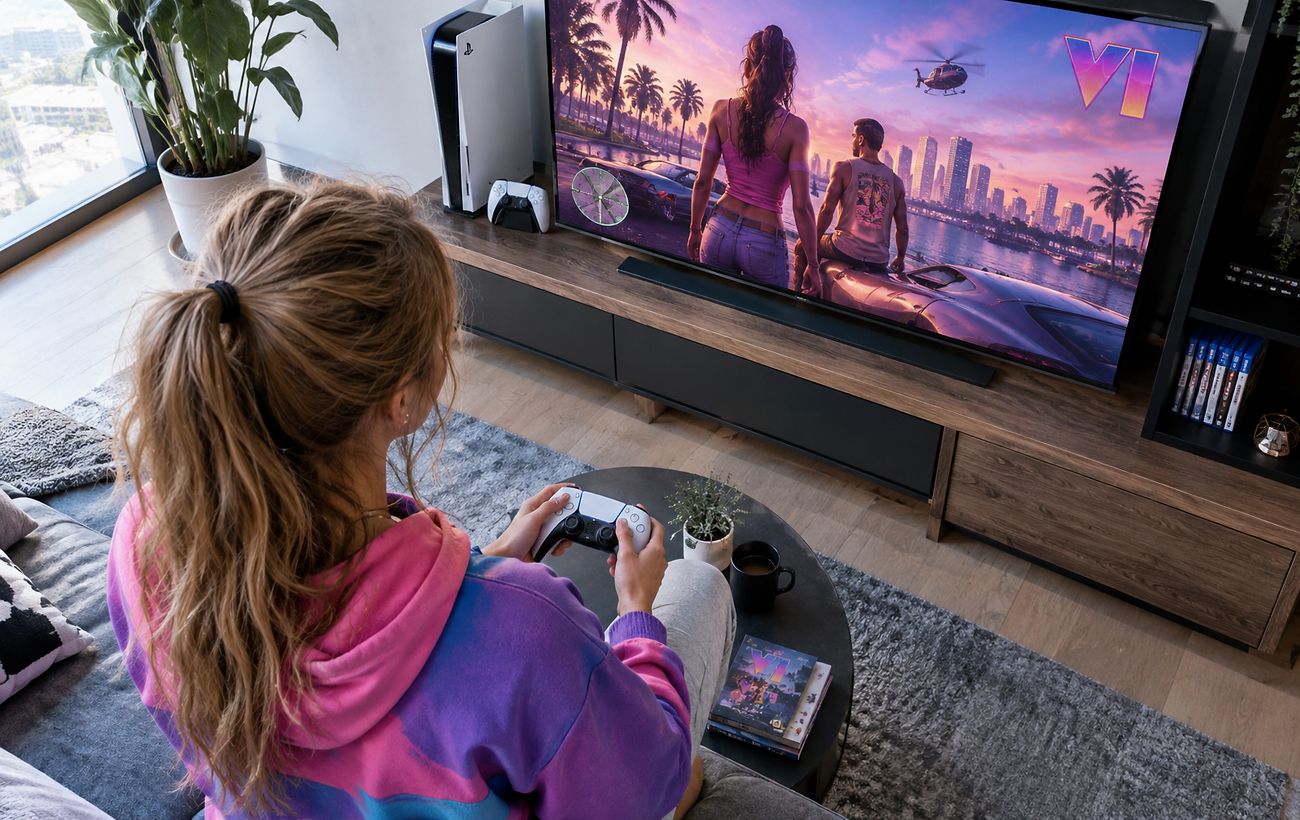
Gamers using the base PlayStation 5 face frame drops and blurriness in Grand Theft Auto 6, but specific console and in-game adjustments can help improve performance.
 🎭Culture & Sport
Photo: RBC-Ukraine
Key points
- Performance drops of GTA 6 on base PS5 consoles.
- Using safe mode cache clearing and disabling HDCP.
- Adjusting motion blur and HDR settings for better visuals.
The highly anticipated release of Grand Theft Auto 6 brings not only a massive open world but also technical challenges for owners of base-model consoles. During gameplay on a standard PlayStation 5, users often notice frame rates dropping below 30 FPS during intense scenes, alongside a somewhat blurry image due to the lack of advanced upscaling technologies found on the Pro version.
Effective System Optimization Steps
Since simply reinstalling the game does not always fix stability issues, experts and the community suggest taking several technical steps. In particular, clearing the console's cache via safe mode and disabling the HDCP parameter in the HDMI settings can help. These actions reduce the risk of sudden crashes and minimize stuttering during heavy workloads.
Clearing cache and rebuilding the database in safe mode.
Disabling the HDCP feature in system HDMI settings.
Adjusting the Motion Blur Strength slider in the game menu.
Recalibrating brightness and HDR display settings.
“For different display types, players should adjust motion blur individually to keep camera movement smooth and comfortable,” note Digital Foundry reviewers.
Additionally, experts recommend ensuring that Game Mode is enabled on your TV if supported, as this disables unnecessary video processing and reduces input lag, making the overall visual experience much smoother even on base hardware.
Source RBC-Ukraine — rbc.ua/ukr/news/gta-6-ps5-mozhe-pratsyuvati-krashche-ki-nalashtuvan… ↗
Read next
 🛡️Security
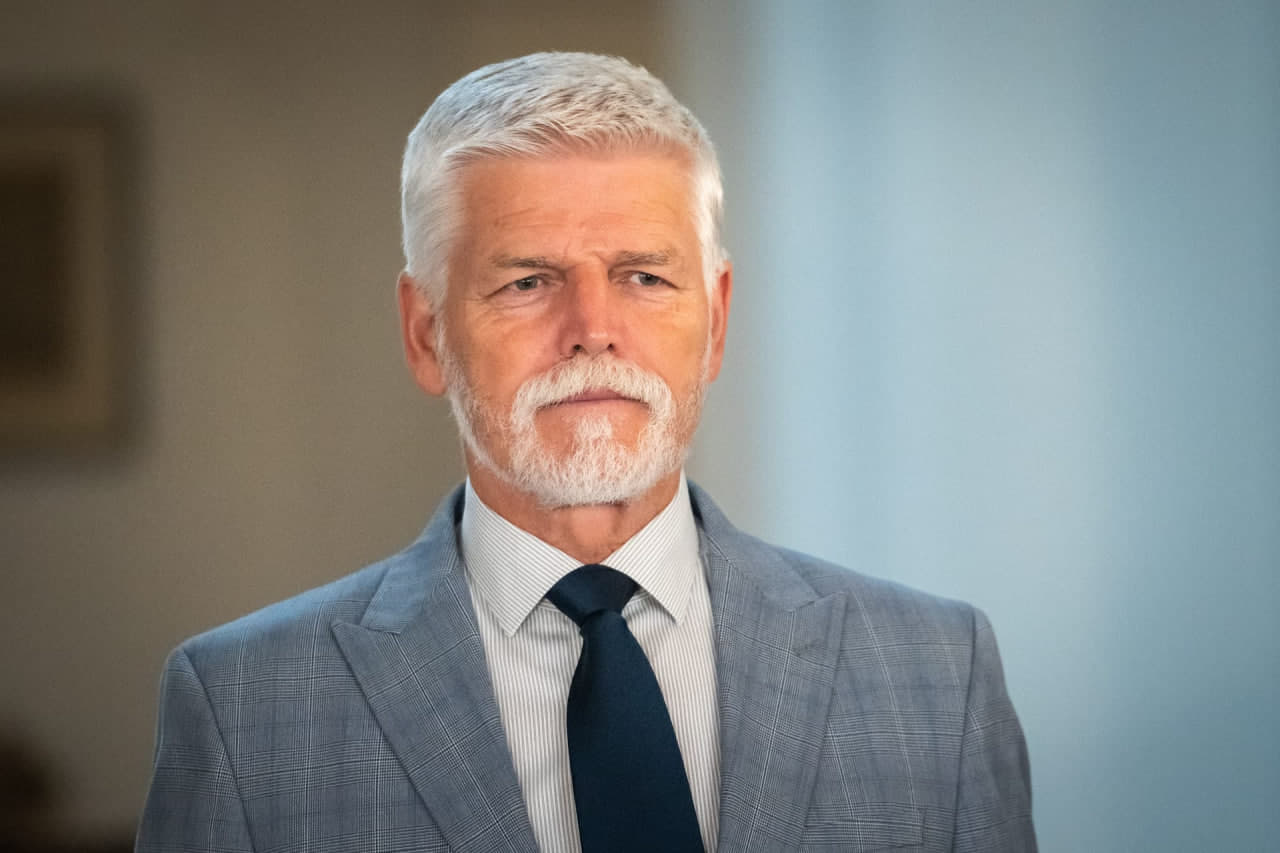
Czech President warns of risks of airspace violations due to Russian aggression
Petr Pavel stated that incidents involving Russian objects violating NATO borders are becoming increasingly likely amid support for Ukraine.
 ⚽Sport
Bachelor contestant Kateryna Petrenko: from professional basketball to social impact
Former reality show participant Kateryna Petrenko shared her experience on the show and discussed her work in supporting veterans and social initiatives.
 🩺Health
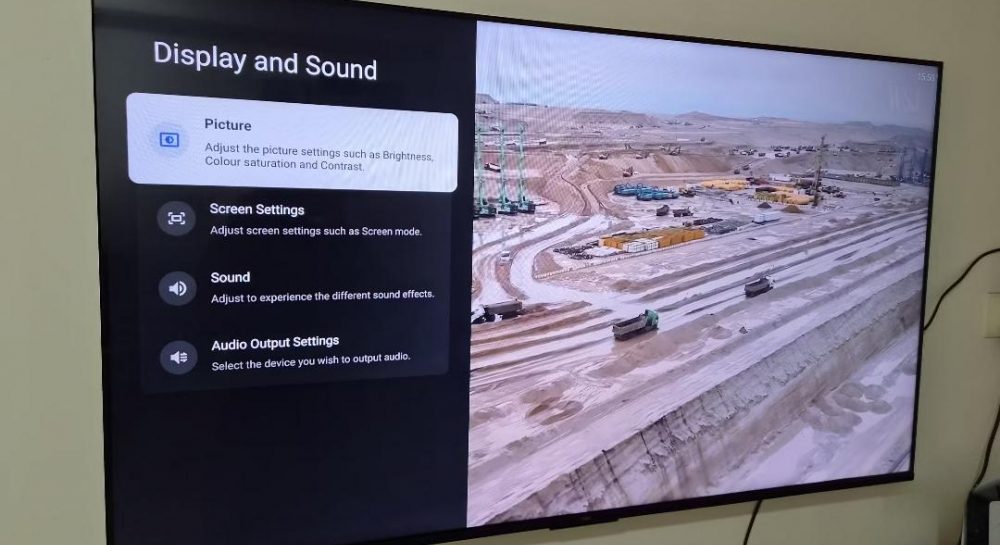
Why your TV picture stutters: a simple setting to fix it
TV owners often face video stuttering due to frame rate mismatches. This can be resolved in 30 seconds by adjusting specific display settings.
 🏙️City
How to Heat Your Home Efficiently with an Air Conditioner: Expert Tips
Adjusting airflow direction and using energy-saving features will help Pervomaisk residents improve their indoor climate during the heating season.
 🏙️City
Preparing Quince for Winter: Tips for Pervomaisk Gardeners
Experts provide recommendations for autumn quince care, focusing on proper watering, pruning techniques, and protecting young saplings from pests.
 🏛️Politics
Mykolaiv city council mulls posthumous stripping of honorary citizenship for Russian admiral
Mykolaiv authorities are working on a legal framework to revoke honorary citizenship from individuals linked to the aggressor state, even after their death.